Would you recommend anywhere to start with vibe coding?
Seeing its power for exploration and demonstrating concepts that could then be developed by experts, it could be well-worth the time investment!
Would you recommend anywhere to start with vibe coding?
Seeing its power for exploration and demonstrating concepts that could then be developed by experts, it could be well-worth the time investment!
Yes, definitely worth the time investment - great for exploration and demonstrating concepts, less so as a substitute for proper engineering once something needs to be relied on.
Where to start:
Claude Code if you’re happy in a terminal/VS Code - it can read a whole codebase and plans before it touches anything. Claude.ai or ChatGPT if you just want to prototype ideas or mock up a UI conversationally.
Start with something small and low-stakes - a form, a tracker, a proof-of-concept - not “rebuild Bader.”
Get the AI to ask clarifying questions and propose an approach before it writes anything. It goes wrong fastest when left to guess at ambiguous requirements.
One thing to flag hard: never feed it real cadet or staff data. These tools process your prompt on servers outside the UK, usually the US - the moment you paste in or point an agent at real personal data, it’s left the UK/EEA. For staff that’s already a GDPR transfer issue; for cadets, being minors, it’s a much bigger one, and not something any of us should create informally via a chat window. Use dummy data for prototyping, and loop the digital team in early if a concept needs real data to prove out - that’s exactly what they’re there for (DPAs, DPIAs, approved tooling).
Treat the output as a spec, not a product - great for showing what’s possible fast, then hand it to people with the skills and proper data route to build it for real if it needs to be relied on.
Is it ironic that I’m struggling to tell if that post about AI is AI?
Very good advice either way though!
Both of those links appear to be suitably authenticated - I’m not quite sure what your point is?
I’m directed to my one drive, am I missing something 
Given I can’t see anything other than being directed to my one drive, I’m guessing that you’re seeing files on SharePoint that are stored in a location you have access to.
It is AI! My thoughts made less rambling by Claude.
Yes, there are a couple of files on bader sharepoint that are read from Dashy when it loads, for example the events on VP are only completed events, so to see events in flight it takes the bader digital weekly exports and reduces and puts in JSON so it can be overlaid in the events page. So you can filter and see all the non completed events, how many cadets/staff you have signed up and when the deadline is (the deadline is shown in the calendar so easy to chase cadets etc.
Ok, as a side note does anyone please have the Silver Cyber certificate? I have a cadet who completed it, had the badge but cannot see any digital certificates for it anywhere. I am also struggling to find the blue wings aviation one (for drones, the same as flying apparently) any ideas please?
The blue wings cert has to be requested, I think there’s a TG form for it under key documents.
I believe same goes for cyber, should be issued the Wing Cyber Officer
It has been expanded for all of RAFAC
thanks. is a shame it is form, more admin to fill in a form, email off, wait for printing, putting it in the actual post! I’ll try and find an example of one and create in the certificates section on Dashy for easy printing.
Sorry I maybe being stupid but after pressing ‘Generate Certificate ‘ where do they go?
Good question, under the sqn admin menu there is a Certificate page. they will all be there.
The idea is that you can go stright to the certificate page and create the certs there, you can paste in the CIN’s from an events nominal role to mass produce, or you can go the Quals and Classifications and like you did click generate, it will automatically add them to the certificates page. We have tried to make it easy to just make one, or make 20 or make 20 different certs. You can then print them all in one PDF to save opening each one and/or download as a Zip with the certs (they are all named sensibly)
For things like quals and classifications is pulls the date from the item as well.
You can even select CCf or ATC.
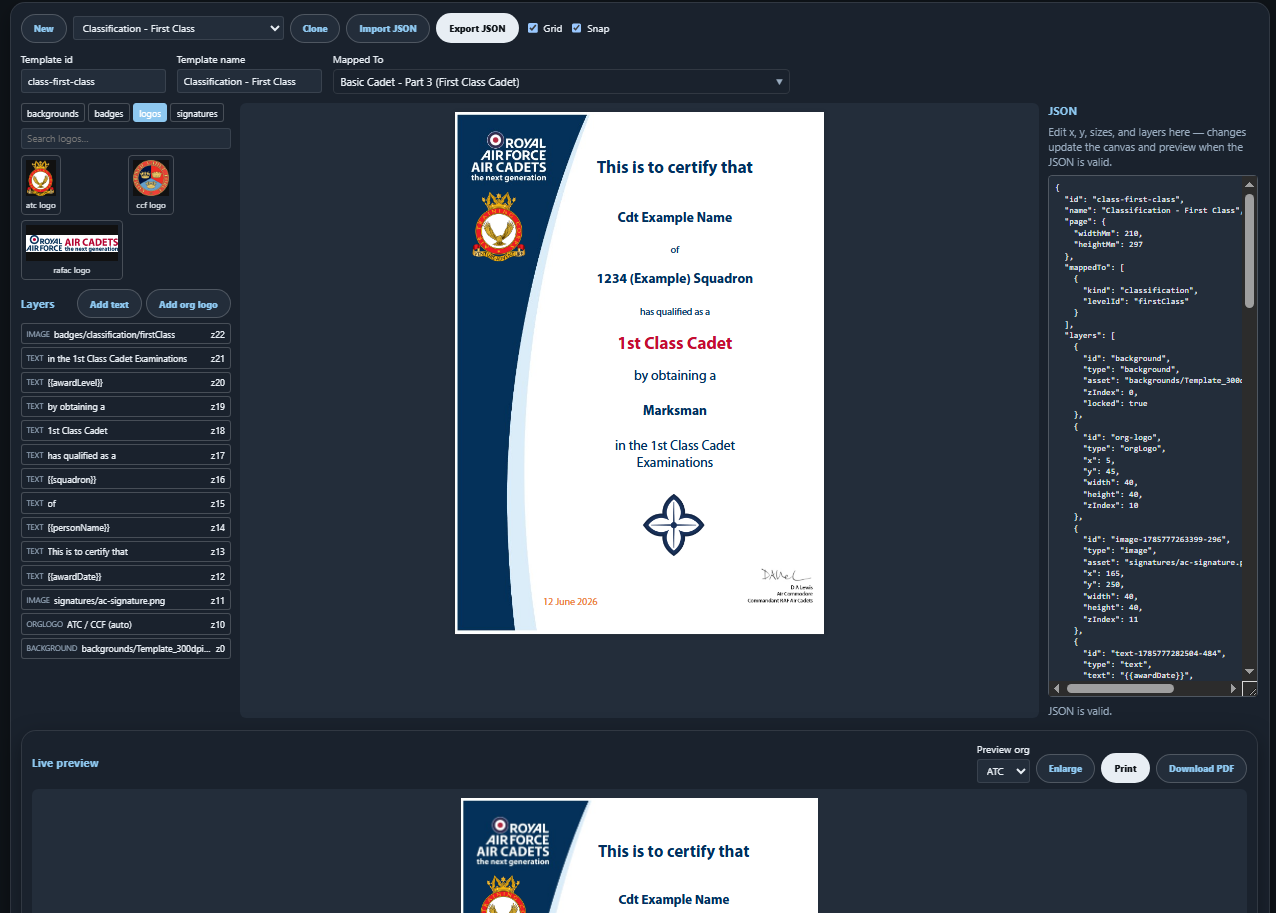
On the certs page is also the designer.
This looks glorious.
Just an exceptionally minor point for you…
The RAFAC logo is indeed a logo. The others are the ATC “badge” and CCF “badge”.
Any chance you could tweak the terminology? People are already confused enough as it is! 
I always assumed the CCF one wasn’t a badge by the lack of crown on top!
TIL…
I’m pretty sure it’s accurate to say that all of our traditional insignia is a badge in the military. Regimental badges, ships badges. Our ranks are even badges of rank. I think.
I’ve always wondered about the origin of the specific rank insignia (e.g. why chevon’s)
I was taught that the chevron represented the broken lance of a fallen knight who went on to command troops from his dismounted position on the ground.
Very chivalrous - knights on the ground were fairly immobile & easy prey for the opposition if they got close enough with a misericorde! 
Some suggestions: